Agent skillFree · MIT licenseEnglish + Arabic guides
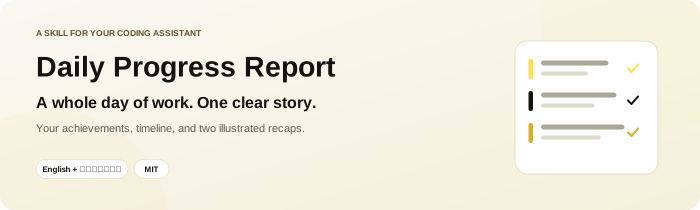
Daily Progress Report
A whole day of work, one clear story.
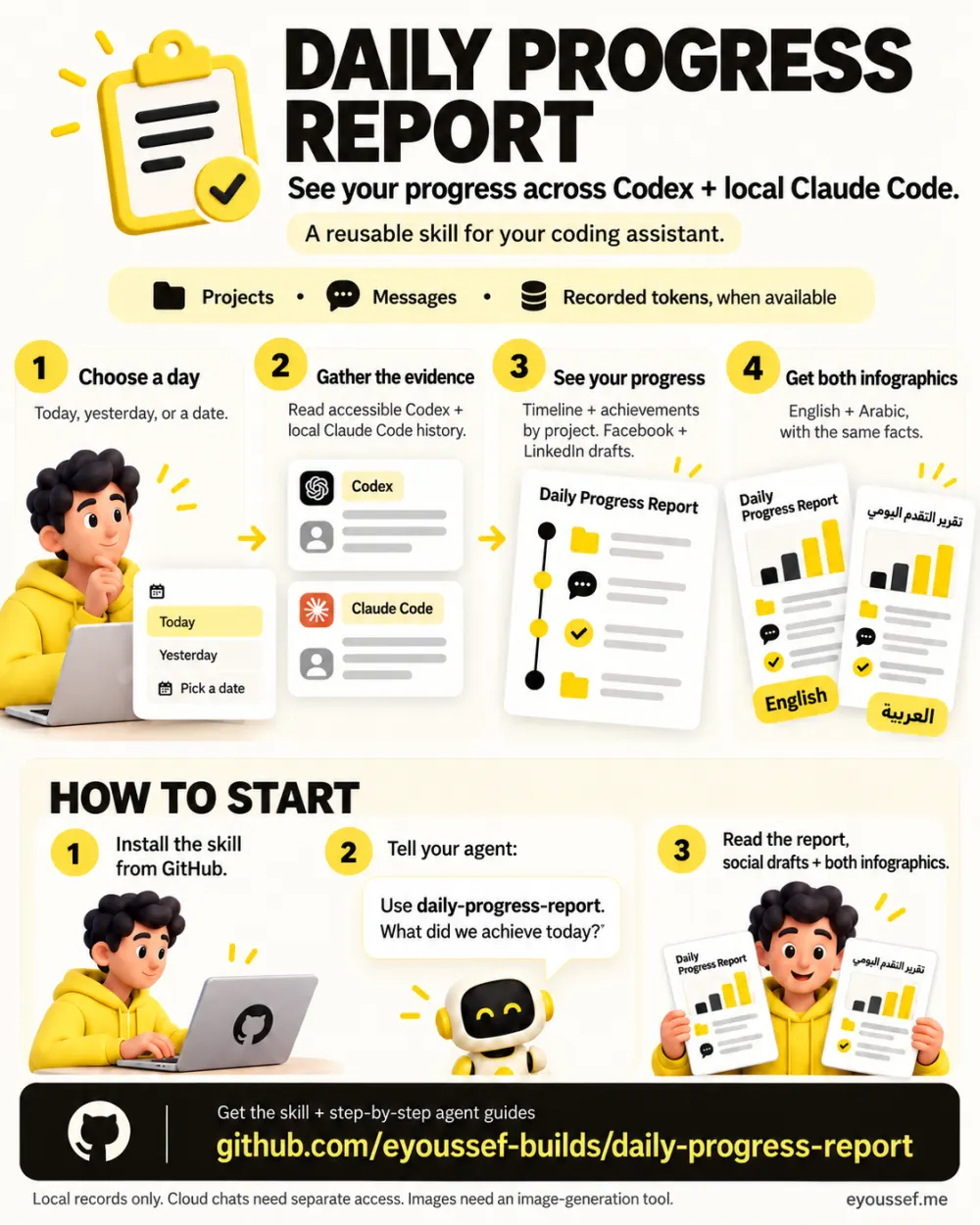
By evening, your work is scattered across chats. Ask about a day and your assistant reads your Codex and local Claude Code conversations, then shows what actually moved forward.
Guides for Claude Code, Codex, Cursor, Gemini CLI and 11 more agents.
How it works
- 1Ask about a dayToday, yesterday, or a date.
- 2It reads the evidenceYour accessible Codex and local Claude Code chats.
- 3See the progressA timeline, achievements by project, and workstreams.
- 4Share itFacebook and LinkedIn drafts, plus English and Arabic infographics.

What you get
Who it's for
Anyone whose Codex or Claude Code work spans several conversations: solo builders, creators, people juggling projects.
What you need
- An assistant that can read your Codex and/or local Claude Code history
- An image-generation tool for the two infographics
- Timeline
- The important milestones in order, with local times.
- Achievements
- What was researched, written, built or released, grouped by project.
- Social drafts
- Ready-to-copy Facebook and LinkedIn posts. Nothing is published for you.
- The day in numbers
- Verified projects, chats, messages and tokens, where available.
- Two infographics
- Matching English and Arabic images of the same facts.
- Still open
- Unfinished work stays in the written report, never in the images.
Install it in one message
Paste this into your coding agent.
Install daily-progress-report from
https://github.com/eyoussef-builds/daily-progress-report.
Read the installation guide and inspect the skill and helpers first. Install
skills/daily-progress-report in this agent's supported personal skill directory.
Preserve any existing customized copy. Tell me when it is ready and how to use it.
Prefer to do it by hand? Download the ZIP and follow the guide for your agent.
Get the next skill first
Liked this one? I'll tell you when the next skill is out.
You're on the list. I'll email you when the next one ships.