Agent skillFree · MIT licenseEnglish + Arabic guides
Product Showcase Video
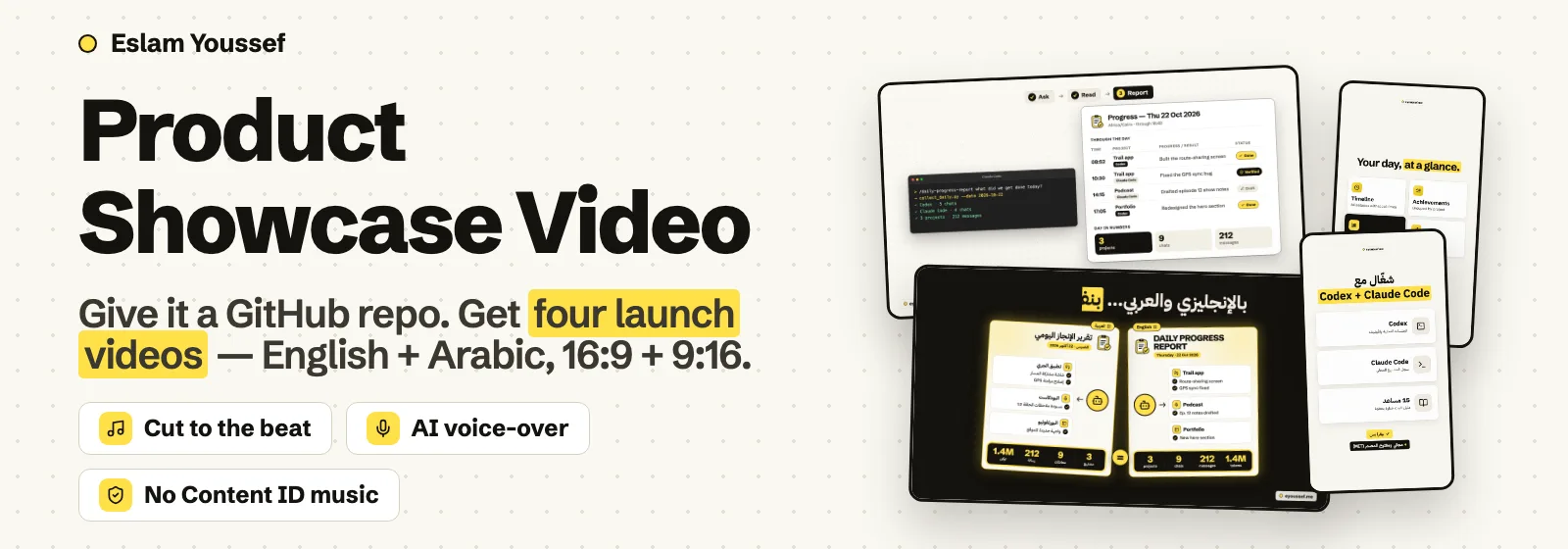
Give it a GitHub repo. Get four launch videos.
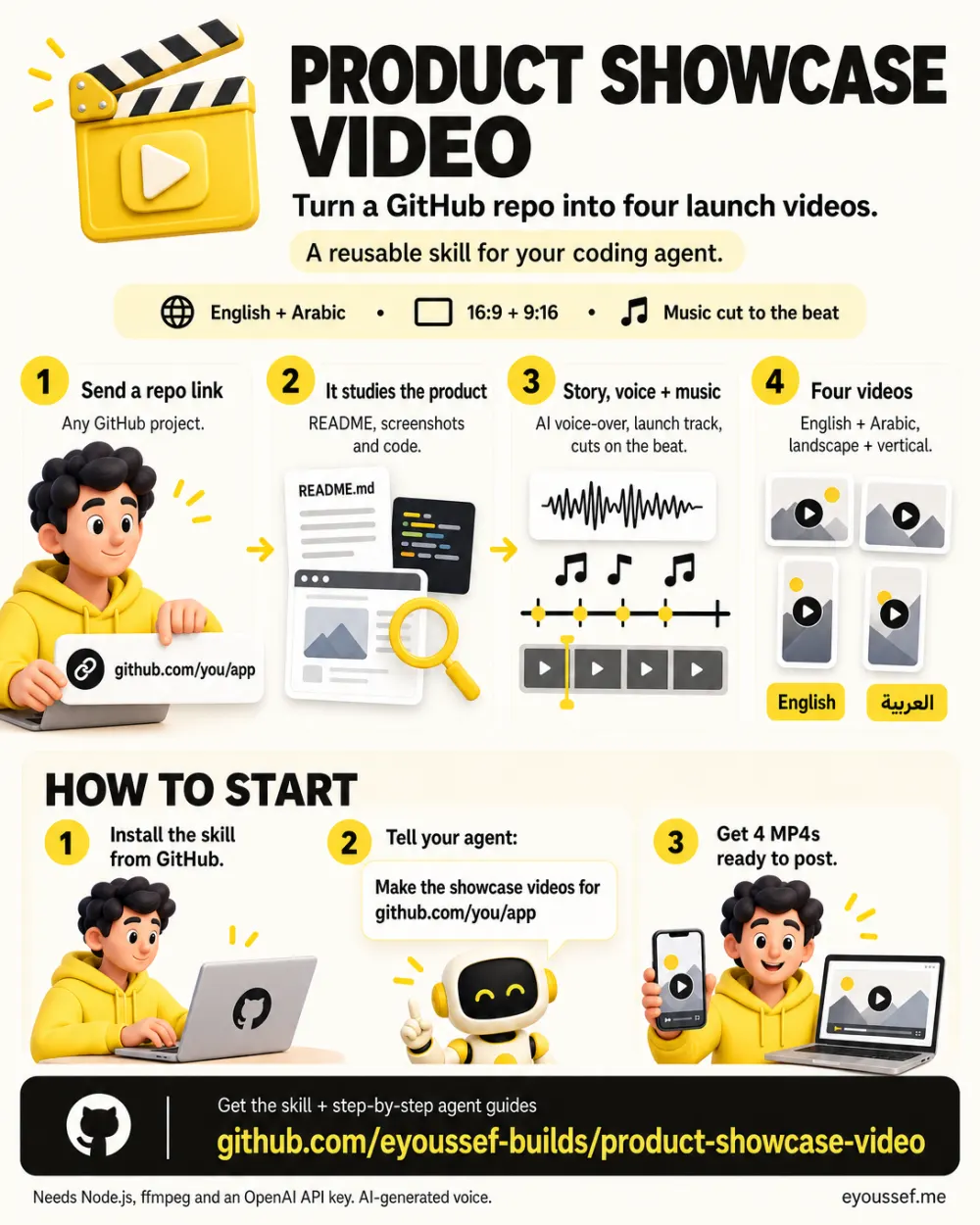
A skill for your coding agent. It studies your repo, writes the story, rebuilds your real interface as motion graphics, adds an AI voice-over and music, and cuts every scene on the beat.
Guides for Claude Code, Codex, Cursor, Gemini CLI and 11 more agents.
How it works
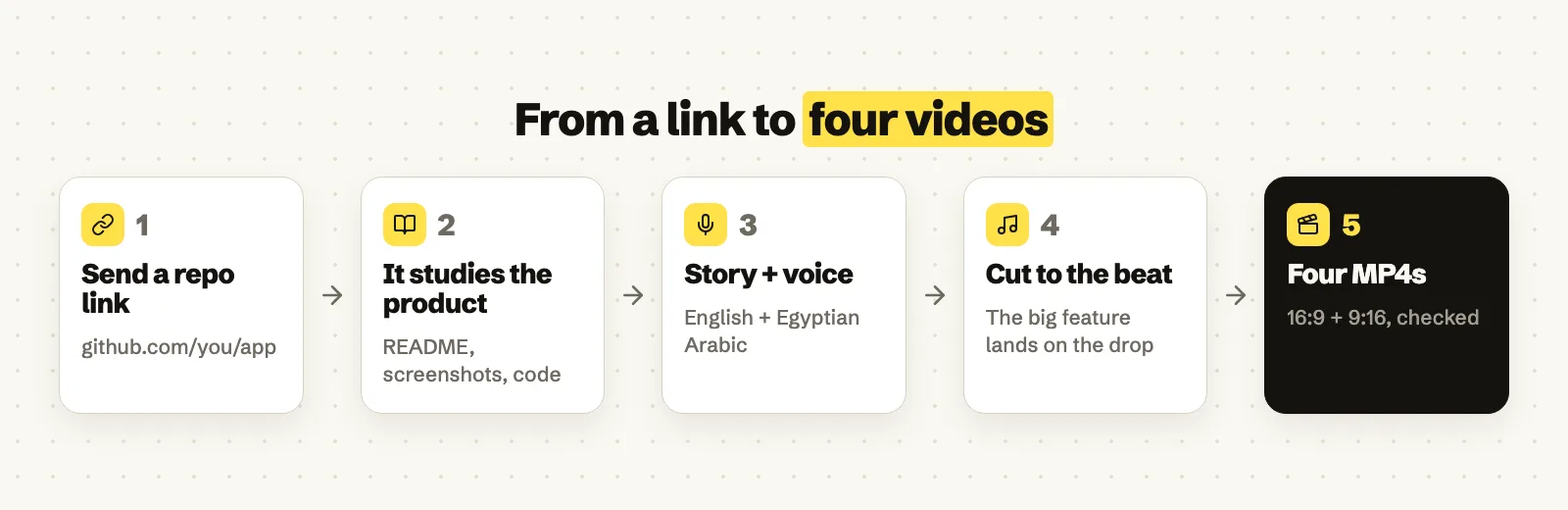
- 1Send a repo linkAny GitHub project. Ask your agent for the showcase videos.
- 2It studies the productREADME, screenshots, releases and code, then a short launch story.
- 3Story, voice and musicYour real interface as motion graphics, an AI voice, cuts on the beat.
- 4Four finished MP4sEnglish and Arabic, each in 16:9 and 9:16, checked before you get them.
What you get
Who it's for
Builders who ship on GitHub and want a polished way to show their work, especially to an Arabic-speaking audience.
What you need
- A coding agent that can run commands on your computer (tested in Claude Code on macOS)
- Node.js 18 or newer, ffmpeg and git
- An OpenAI API key, usually a few US cents per film
- Four videos
- English and Arabic, 16:9 and 9:16. 1080p, 30 fps, about 45 to 65 seconds each.
- A real story
- The problem, a demo of the actual workflow, the features, the standout feature, and how to get it.
- Its real interface
- Your product's own windows, buttons and outputs, redrawn from the repo with neutral demo data.
- Voice-over
- An AI voice in English and Egyptian Arabic. Actions on screen land on the words that describe them.
- Music on the beat
- A launch-style track that isn't registered with YouTube Content ID. The standout feature lands on the drop.
- Your brand
- Ships with the eyoussef.me look. Change one file to use your own name, logo and colours.
Install it in one message
Paste this into your coding agent.
Install product-showcase-video from
https://github.com/eyoussef-builds/product-showcase-video.
Read the installation guide and inspect the skill first. Install
skills/product-showcase-video in this agent's supported personal skill directory.
Preserve any existing customized copy. Then check that Node.js, ffmpeg and git
are installed. Tell me when it is ready and how to use it.
Prefer to do it by hand? Download the ZIP and follow the guide for your agent.
Get the next skill first
Liked this one? I'll tell you when the next skill is out.
You're on the list. I'll email you when the next one ships.