Agent skillFree · MIT licenseEnglish + Arabic guides
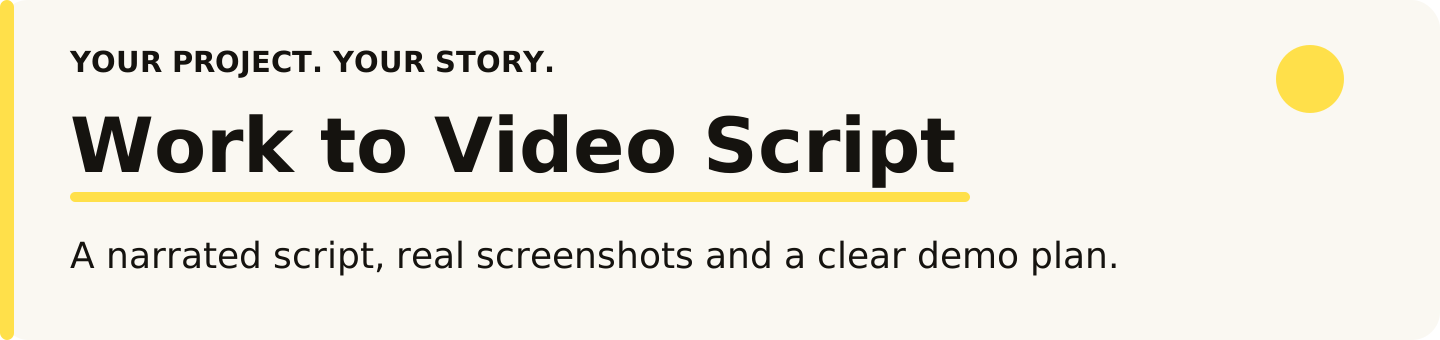
Work to Video Script
From finished work to a story ready to film.
The story of what you built is scattered across the conversation, code changes, tests and screenshots. This skill pulls it together into a script and a demo plan you review before recording.
Guides for Claude Code, Codex, Cursor, Gemini CLI and 11 more agents.
How it works
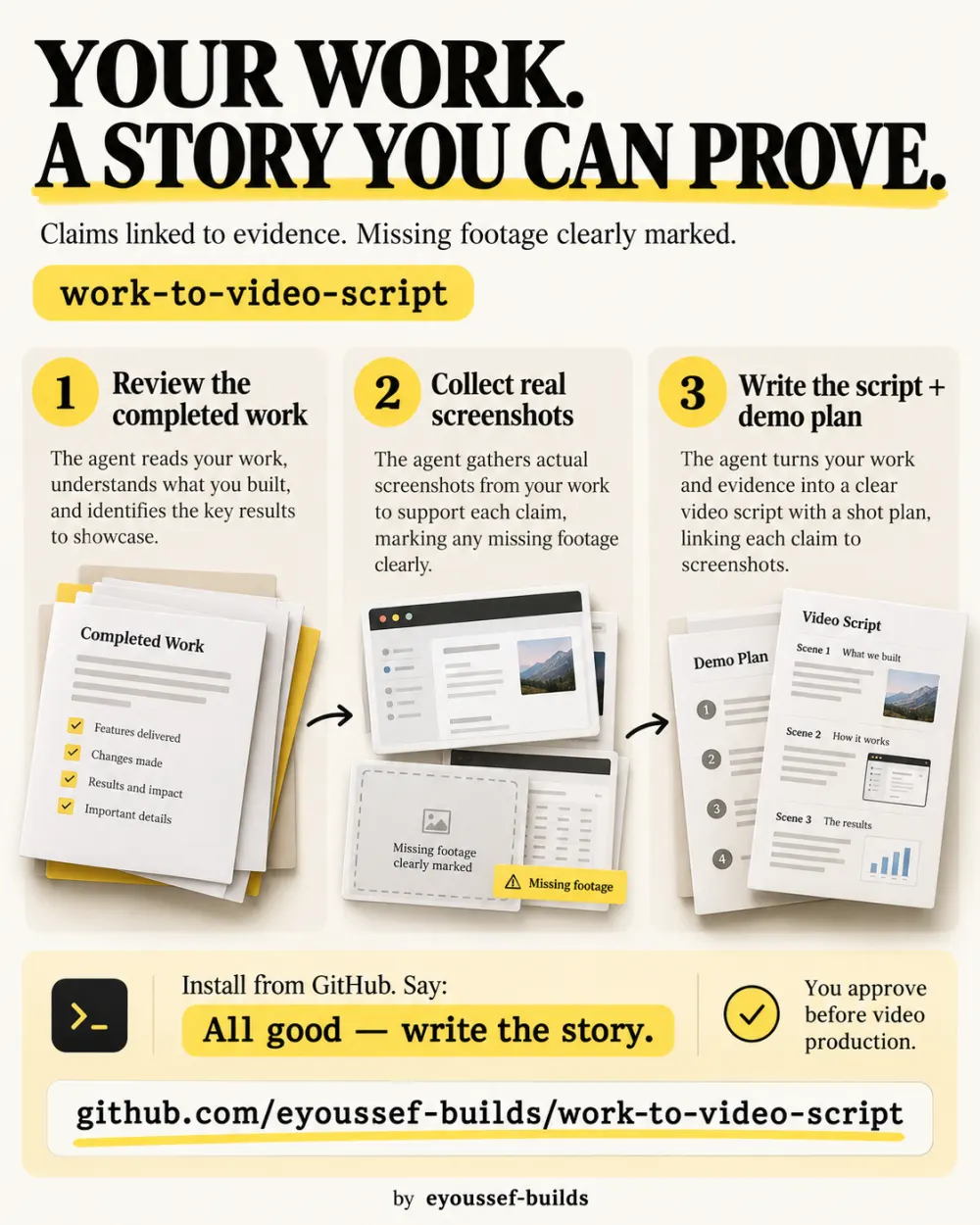
- 1Review what happenedThe problem, the decisions, the changes and the verified result.
- 2Gather real screenshotsActual captures, plus a list of what still needs filming.
- 3Write the storyNarration and scenes, with each claim matched to its source.
- 4Plan the demoExact actions, inputs and visible results to record.

What you get
Who it's for
Developers, makers and creators sharing a build story, a feature walkthrough or a project recap.
What you need
- An assistant that can read the completed work
- A browser or app capture tool for new screenshots
It's not a video editor or a screen recorder: it prepares the story you'll record.
- How it started
- A clear opening and the real problem you set out to solve.
- How you built it
- Decisions and turning points, honestly attributed.
- What really happened
- Real screenshots with their context, linked to the scenes.
- Your assistant telling it
- First-person narration in the language you choose.
- How the result works
- A demo plan with inputs, checkpoints and cleanup.
Install it in one message
Paste this into your coding agent.
Install work-to-video-script from https://github.com/eyoussef-builds/work-to-video-script.
Read the installation guide and inspect the skill first. Install the complete
skills/work-to-video-script folder in this agent's supported personal skill directory.
Preserve any customized copy. Tell me what project-history and screenshot tools you have.
Prefer to do it by hand? Download the ZIP and follow the guide for your agent.
Get the next skill first
Liked this one? I'll tell you when the next skill is out.
You're on the list. I'll email you when the next one ships.